Best Dash Cams in 2026: What to Buy and Skip for Daily Use
Dash cams have moved from novelty gadget to sensible insurance. A clear recording can settle a blame dispute, document a hit-and-run and protect you from a fraudulent claim. But the market is full of inflated specifications, and the difference between a useful camera and a frustrating one rarely appears on the box.
This guide explains what matters in 2026, what you can safely ignore, and how to install a camera without draining your battery or blocking your view. Prices vary by region, so we focus on the decisions rather than a single shopping list.
Resolution and sensor size
More pixels are not automatically better. A 4K camera with a tiny sensor can produce noisy night footage that is worse than a well-tuned 1440p unit. Look for a reputable sensor, good low-light performance and a lens with a sensible field of view. Ultra-wide lenses capture more scene but distort plates at the edges.
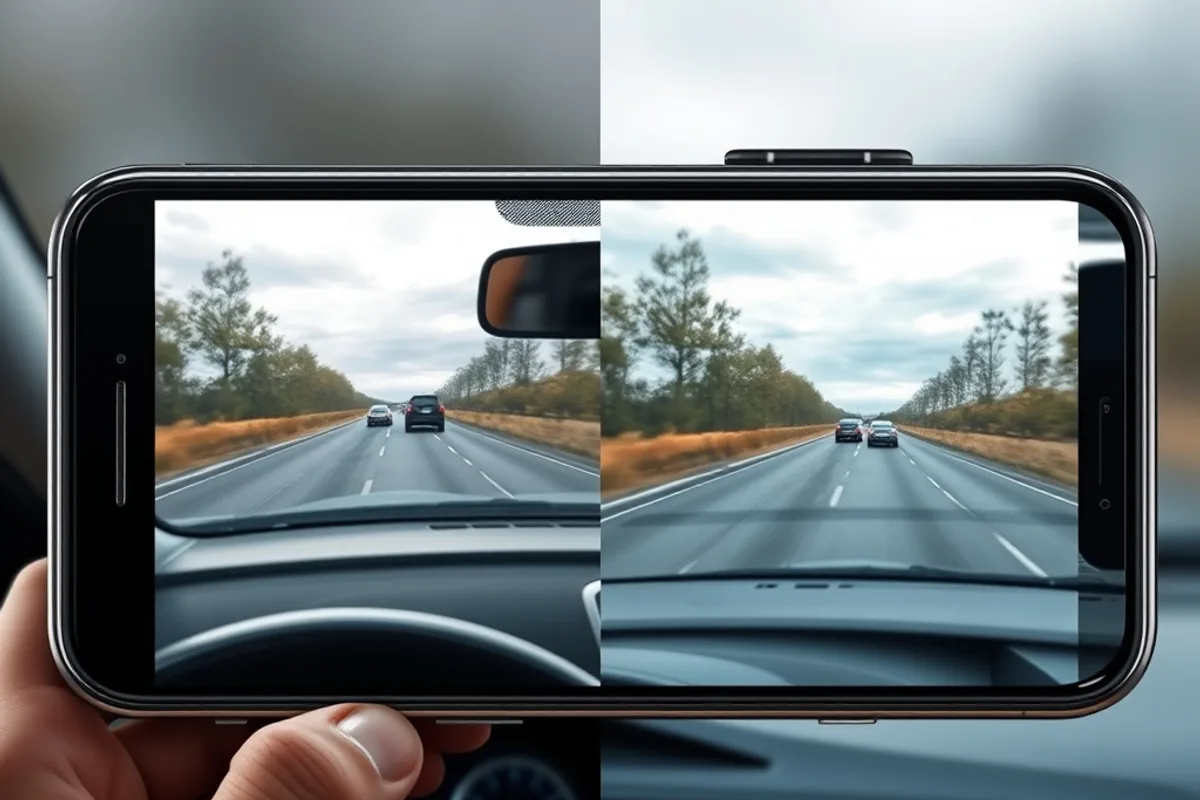
For most drivers, 1440p at 30 frames per second is the sweet spot. It captures enough detail for a plate at a reasonable distance without filling the card too quickly. If you drive at night often, prioritise night video quality over the resolution headline.
Night vision and plate capture
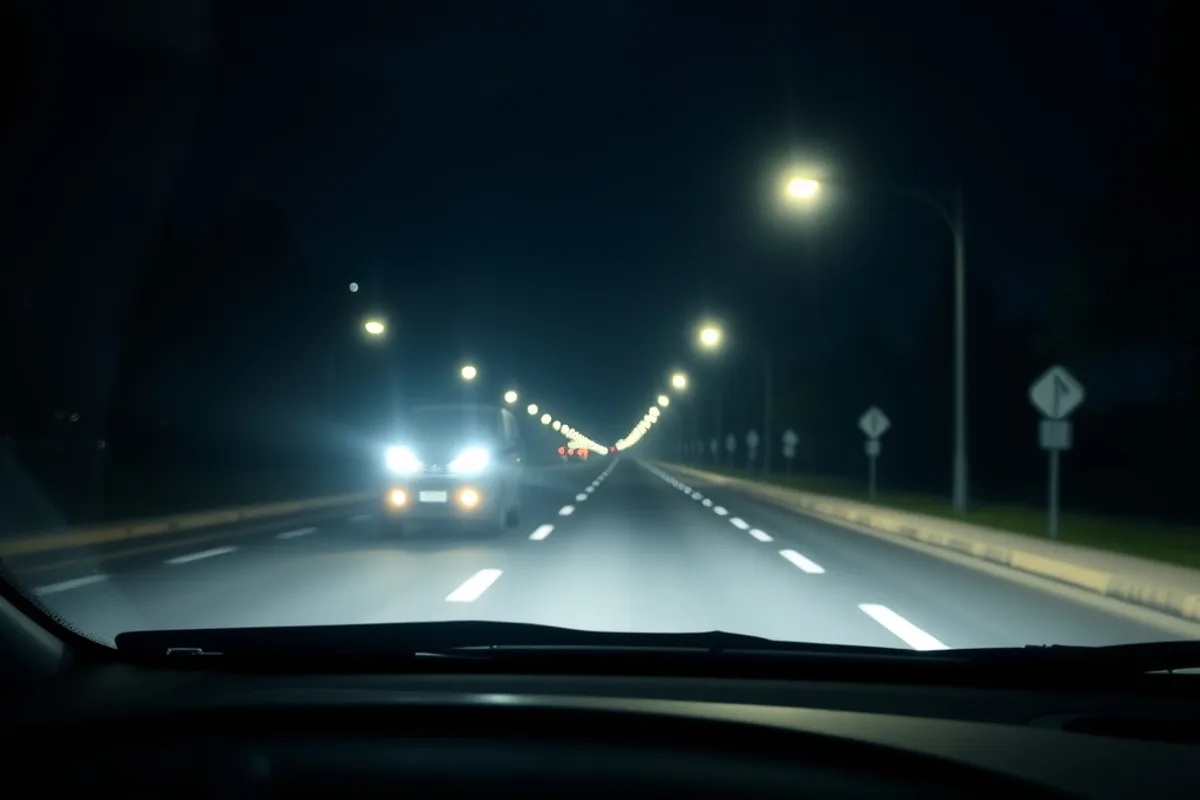
The hardest job for any dash cam is reading a plate at night. Headlight glare, motion blur and compression all work against you. Check sample footage rather than trusting a specification. A camera with good dynamic range and a fast lens will beat a higher-resolution model with poor processing.
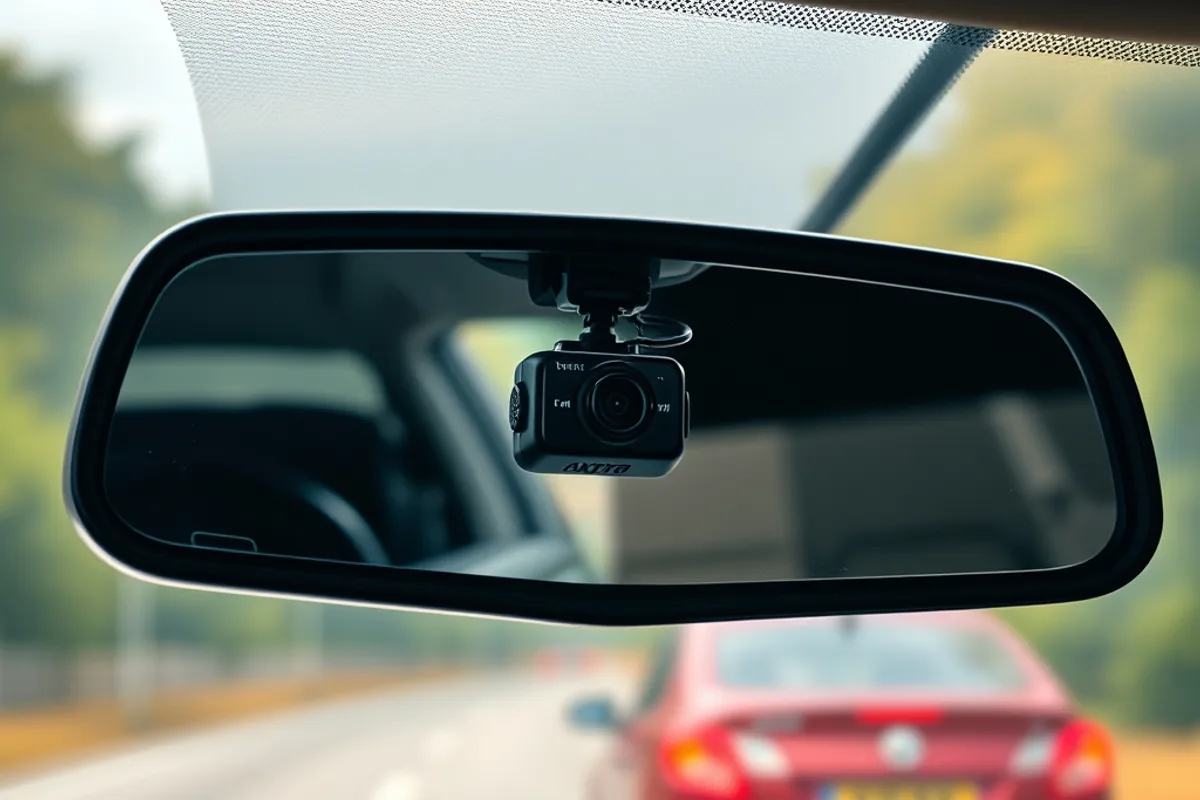
Mounting position matters too. Placing the camera behind the mirror keeps it out of your view and reduces glare, but check that the lens is not looking through a tinted or dotted section of glass. Clean the windscreen before fitting the adhesive mount and let it cure for a day before hanging the camera.
Parking mode and power
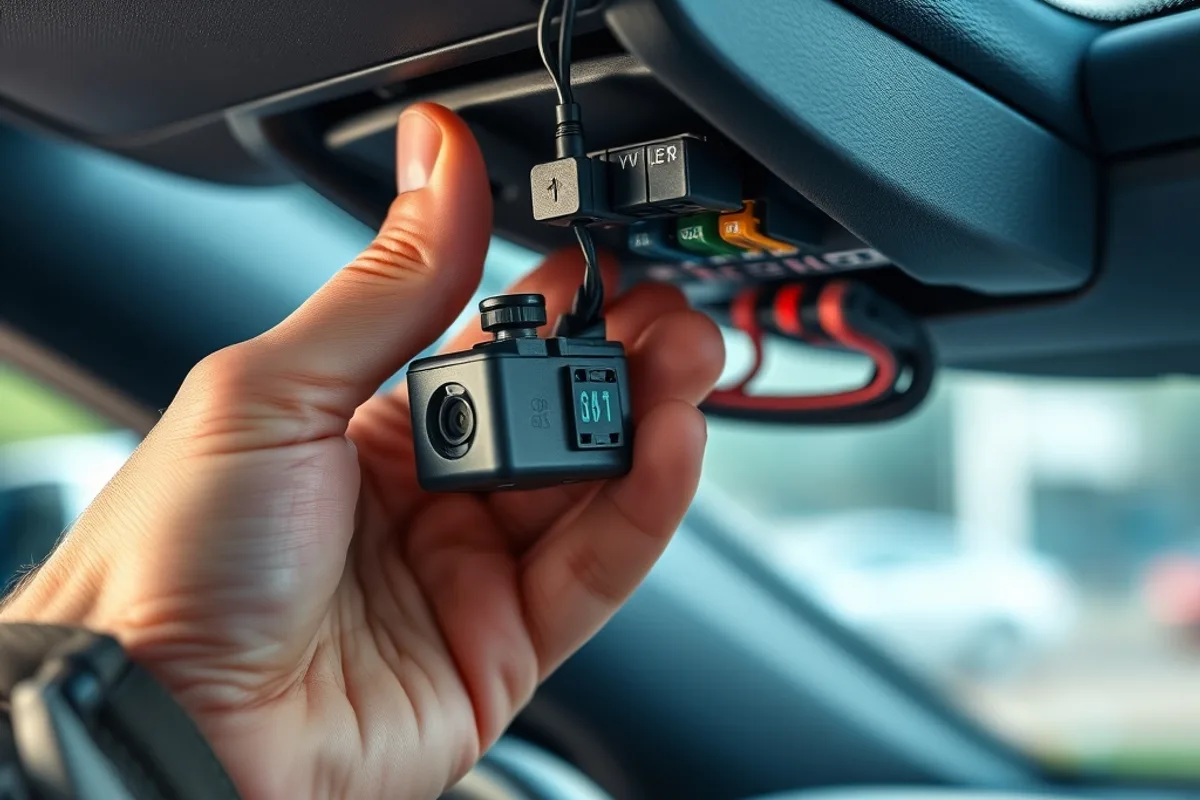
Parking mode records when the car is off, usually triggered by motion or impact. It is genuinely useful in a car park, but it needs power. A hardwire kit connects to the fuse box and cuts off at a set voltage to protect the battery. A separate battery pack avoids draining the car entirely but costs more.
If you park on the street or in a garage with no power, weigh the benefit against the risk. A poorly installed hardwire kit can flatten a battery or interfere with the car's electronics. Use a fused connection and a voltage cut-off, and have it installed professionally if you are unsure. Our home EV charging guide covers similar electrical safety principles.
Storage that survives
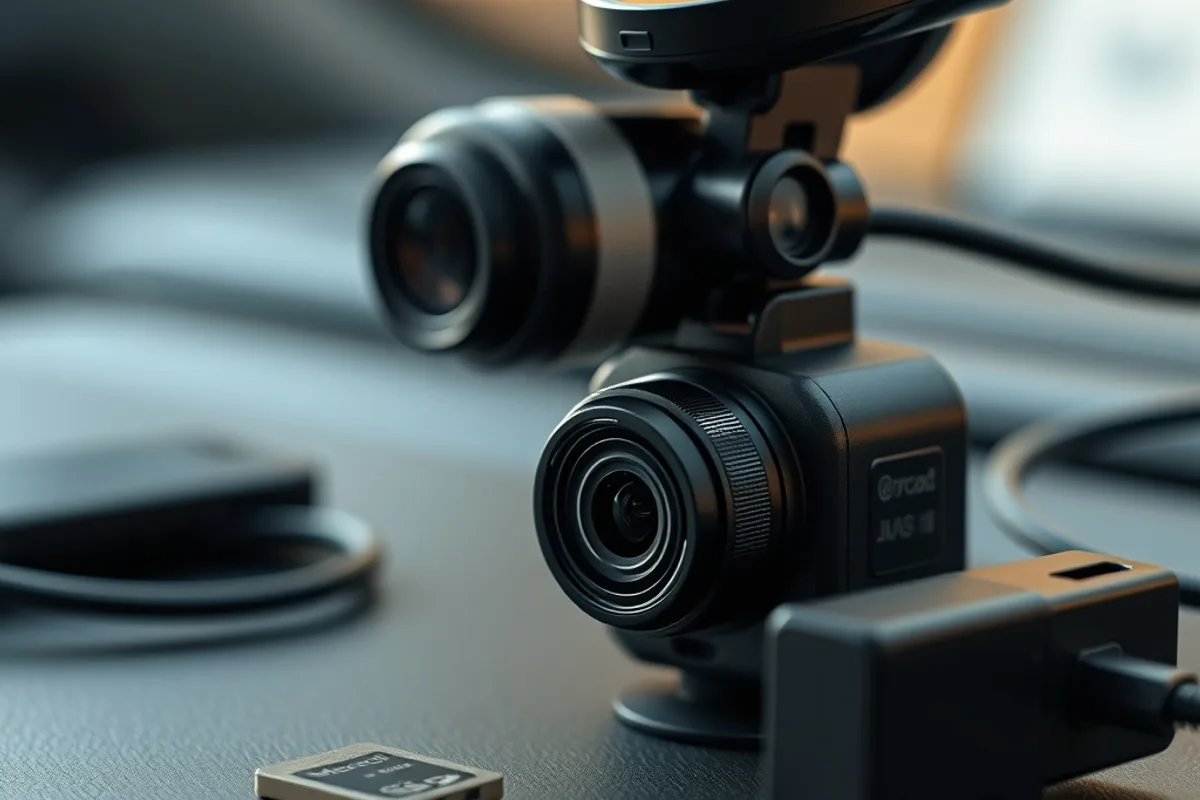
Dash cams write continuously, so the memory card works hard. Use a high-endurance card designed for surveillance rather than a cheap general-purpose card. Format it in the camera every few weeks and replace it once a year, or sooner if you see recording errors.
Set the camera to loop recording so old footage is overwritten automatically. Learn how to lock a clip after an incident, because the file you need can be overwritten within hours on a long drive. A camera with a simple one-button lock is easier to use under stress than one buried in menus.
Privacy and legal rules
Recording on public roads is generally allowed in many places, but rules on audio, parking mode and publishing footage vary. Some jurisdictions restrict recording conversations, and some insurers or employers have their own policies. Do not publish footage showing identifiable people without considering their privacy.
Tell passengers if the camera records audio, and disable the microphone if you do not need it. Keep footage only as long as necessary. A dash cam is a safety tool, not a surveillance system for your own street, and the rules on continuous recording can be stricter than the rules on recording a specific incident.
Features worth paying for
A reliable mount, good night video, loop recording, a lock button and a clear app are the essentials. GPS is useful because it records speed and location, which can support your account of an incident. A rear camera adds coverage but complicates installation, especially in cars with tailgate routing.
Cloud features can be handy if the car is parked where Wi-Fi reaches, but they usually require a subscription and a constant power source. Driver assistance alerts built into dash cams, such as forward collision warnings, are often crude and annoying. Do not pay extra for them; the car's own systems are usually better.
Installation checklist
Route the cable along the headliner and down the A-pillar, avoiding the side airbag. Tuck it behind trim rather than crossing the driver's field of view. Connect to a switched fuse for normal recording and a permanent live only through a voltage-protected hardwire kit. Test the camera before refitting the trim.
Check the footage after a week. Is the plate readable? Is the horizon level? Does the camera start automatically? A five-minute review catches most installation mistakes. Our guide to cabin storage and organizers can help keep the cable and accessories tidy.
The bottom line
Buy for night quality, reliability and simple operation, not the biggest number on the box. Fit it safely, use an endurance card and learn how to lock a clip. A modest camera that always works is worth more than a flagship that overheats in the sun.
For official guidance, see NHTSA vehicle safety information.
A dash cam is judged by one frame: the one where the other driver’s plate is readable. Everything else is a feature list.Sylvesterdess Editorial
We cross-check our advice against independent, official sources. For safety data see the National Highway Traffic Safety Administration, and for real-world economy figures see FuelEconomy.gov.